Best Git-based CMS

16 tools · Checked

The 16 best Git-based CMS in 2026, ranked

Every CMS that keeps content in your repo and publishes with a commit. Prices, review flow and one real con each.

The ranking

Number one is the tool built for clients who edit. From two, the order is developer fit. Each verdict says why, and names the catch.

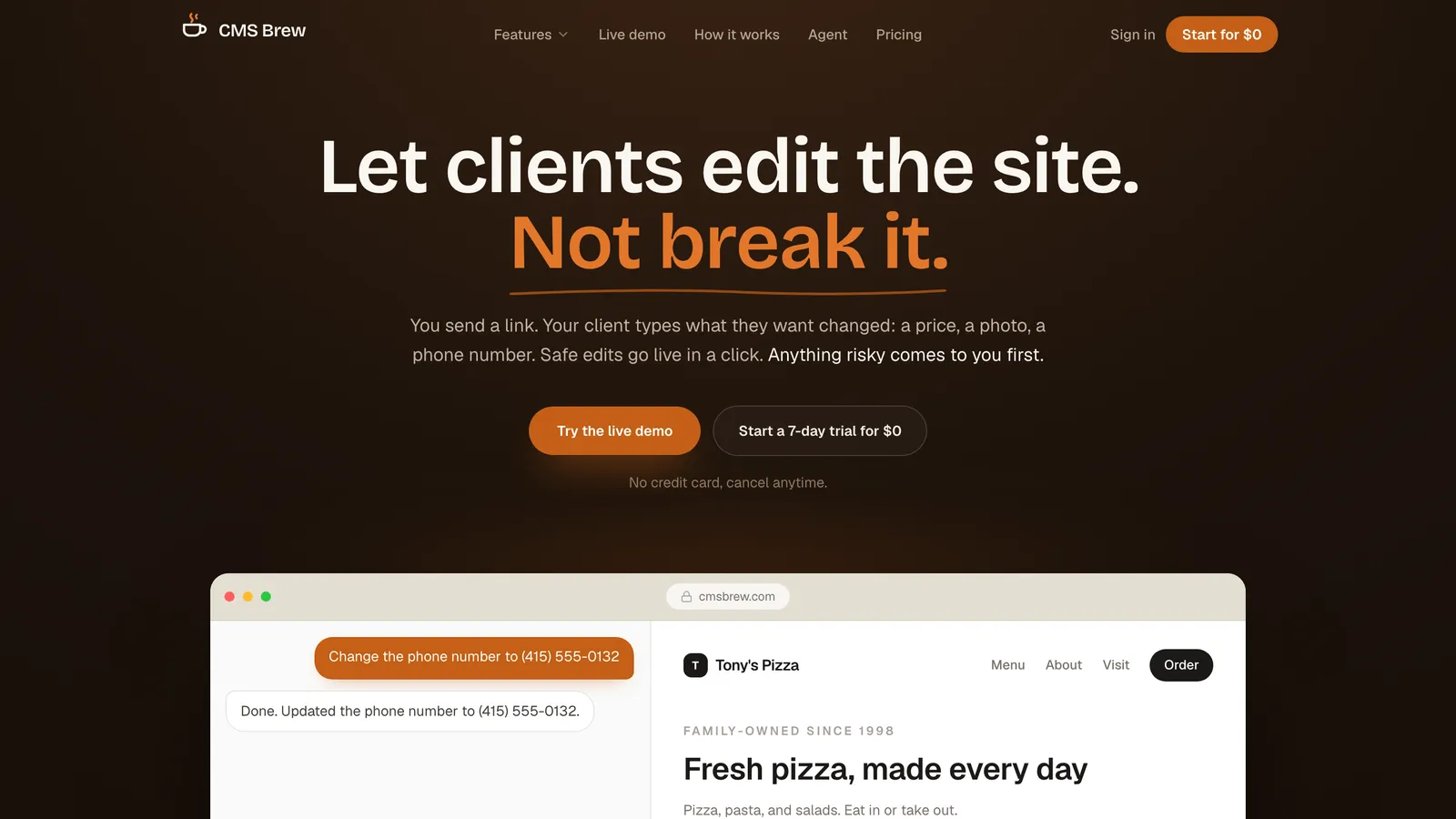
  1. CMS Brew homepage
    1.

    CMS Brew

    Chat editing

    Best for agencies handing finished sites to non-technical clients

    Full profilecmsbrew.com

    First because it is the only tool here built for clients who edit: chat, per-field guards, one commit per publish. Paid, and a developer working alone does not need it.

    Price
    $39/mo, 5 sites
    Setup
    Connect repo, automatic mapping
    Review
    Included, per-field guards

    The catch: Paid, while most Git-based panels are free

    • Client handoff
    • Review included
    • Hosted
    • Framework-neutral
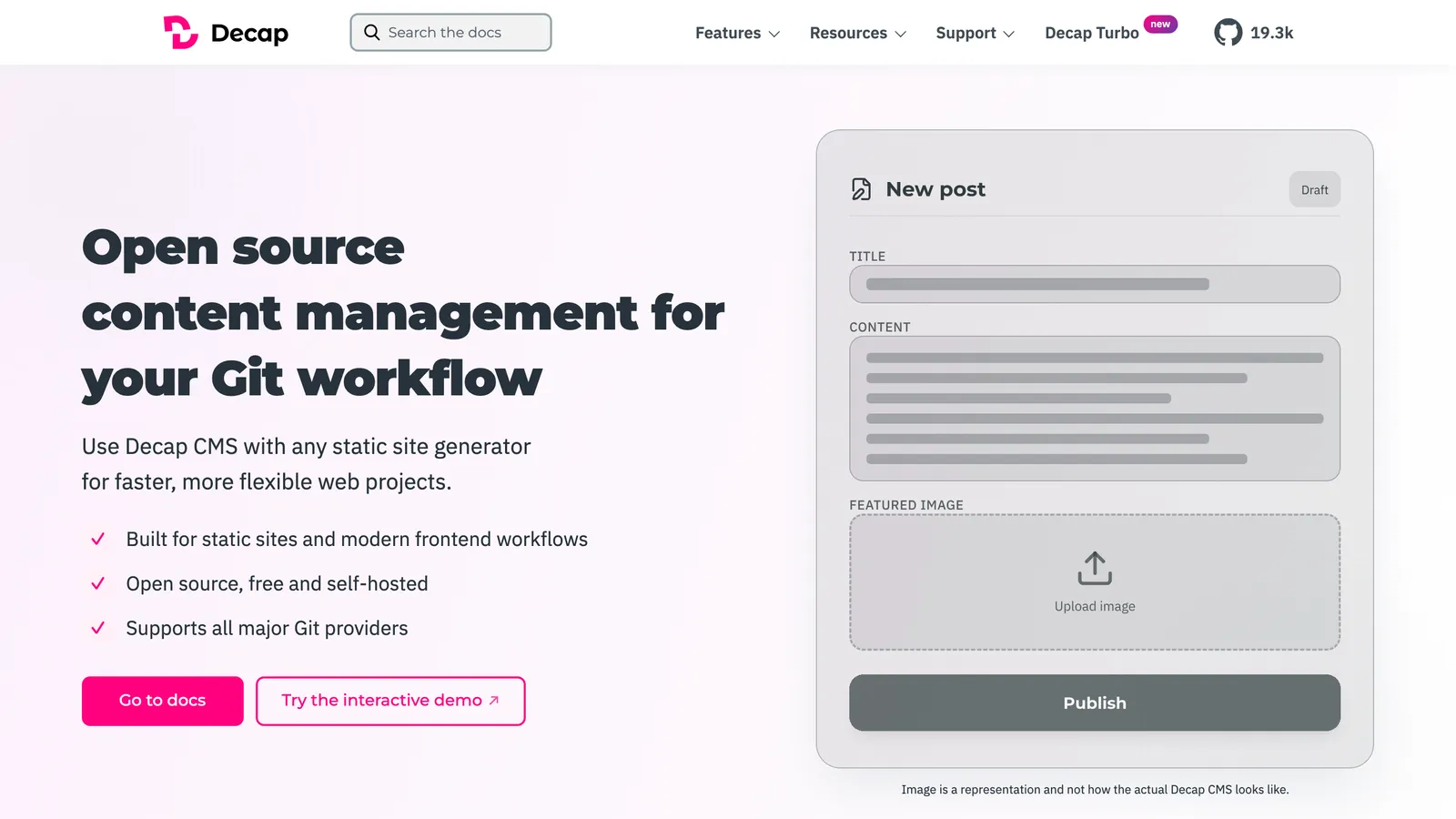
  2. Decap CMS homepage
    2.

    Decap CMS

    Git-based panel

    Best battle-tested free panel

    Full profiledecapcms.org

    The default. Free, works with any static site generator, and the 3.x line ships again. The config file stays your job.

    Price
    Free
    Setup
    config.yml + OAuth
    Review
    Drafts via editorial workflow

    The catch: config.yml written and maintained per site

    • Free
    • Open source
    • Framework-neutral
    • PR drafts
  3. TinaCMS homepage
    3.

    TinaCMS

    Visual editor

    Best for React sites wanting in-place editing

    Full profiletina.io

    Visual editing on React sites. Editors see the page while they type. You add a schema and a data layer to get it.

    Price
    OSS core; cloud from $29/mo
    Setup
    Tina schema per site
    Review
    Team Plus tier, $49/mo

    The catch: Schema and a data layer added to the site

    • Visual editing
    • Open source core
    • React-first
    • Paid review tier
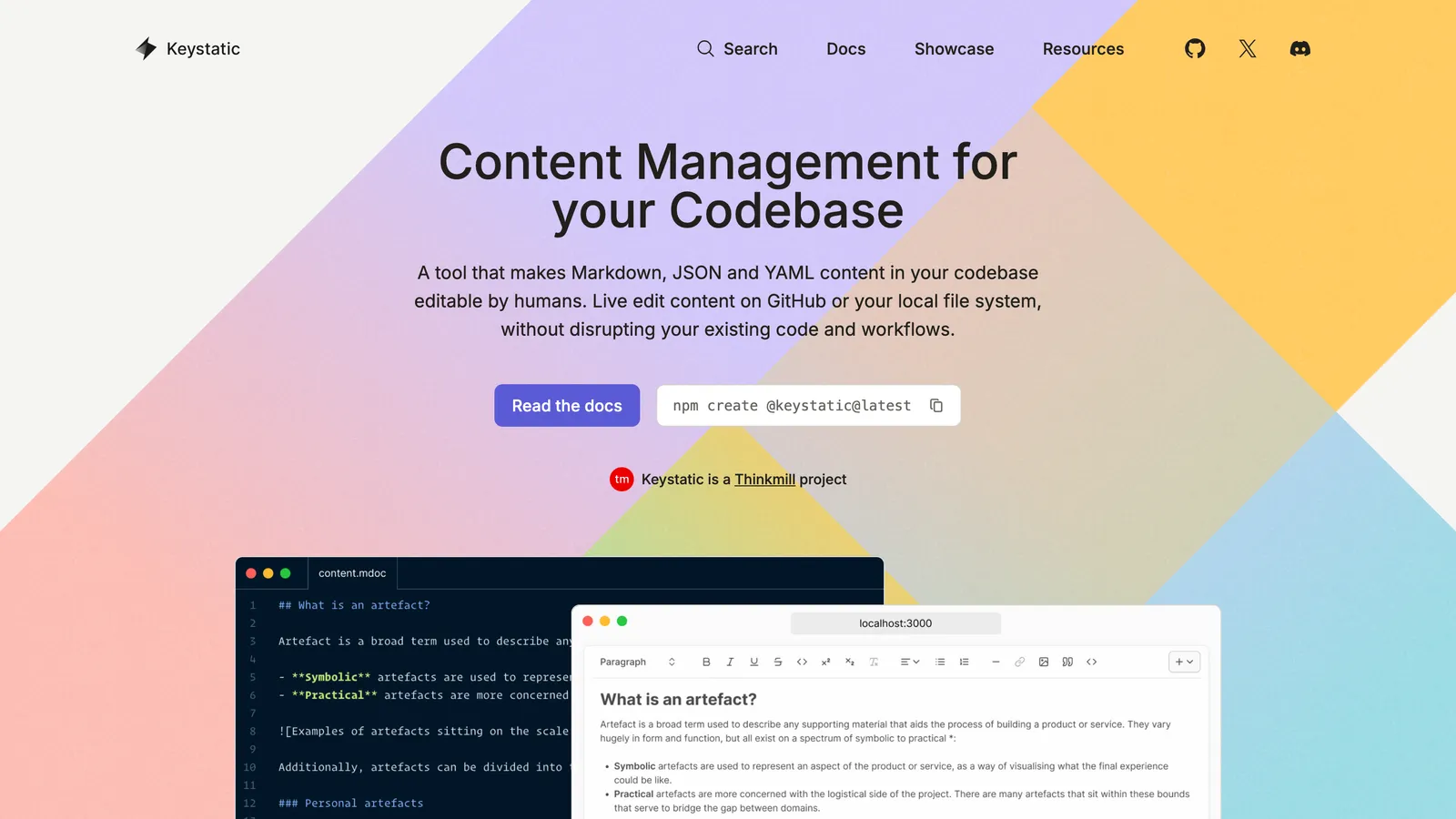
  4. Keystatic homepage
    4.

    Keystatic

    Git-based panel

    Best for technical editors who want clean files

    Full profilekeystatic.com

    Clean files and a typed schema for Next.js and Astro. Editors need GitHub write access or Keystatic Cloud seats.

    Price
    Free; Cloud from $10/mo
    Setup
    keystatic.config per site
    Review
    No

    The catch: Editors need GitHub write access or Keystatic Cloud seats

    • Free
    • Open source
    • Next.js
    • Astro
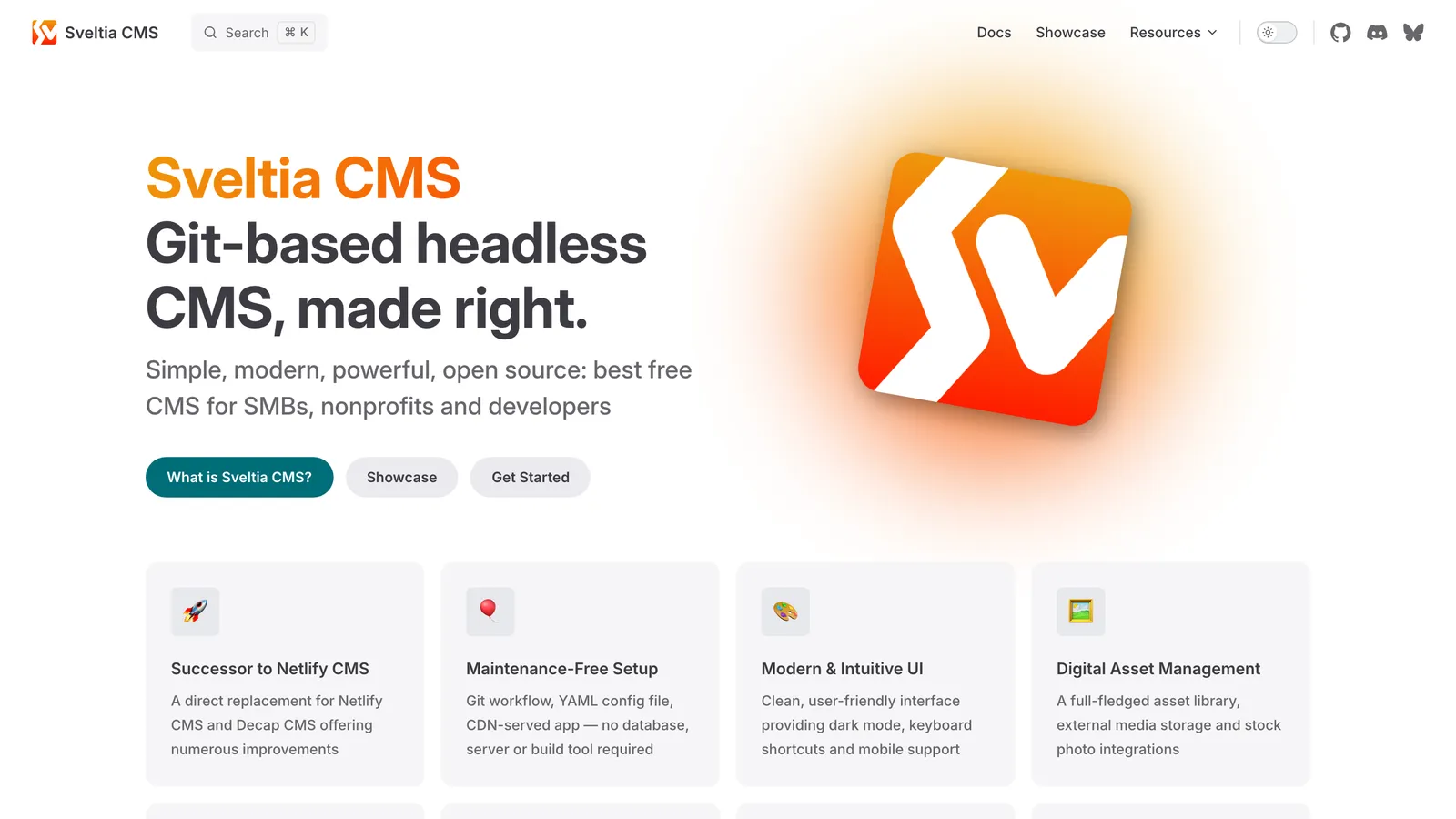
  5. Sveltia CMS homepage
    5.

    Sveltia CMS

    Git-based panel

    Best modern take on the free panel

    Full profilesveltiacms.app

    Decap's config with a faster UI, real asset management and PR drafts. Still a 0.x beta from one maintainer.

    Price
    Free (MIT)
    Setup
    Decap-style config + OAuth
    Review
    PR drafts on GitHub/GitLab

    The catch: Config maintained per site

    • Free
    • Open source
    • Framework-neutral
    • Beta
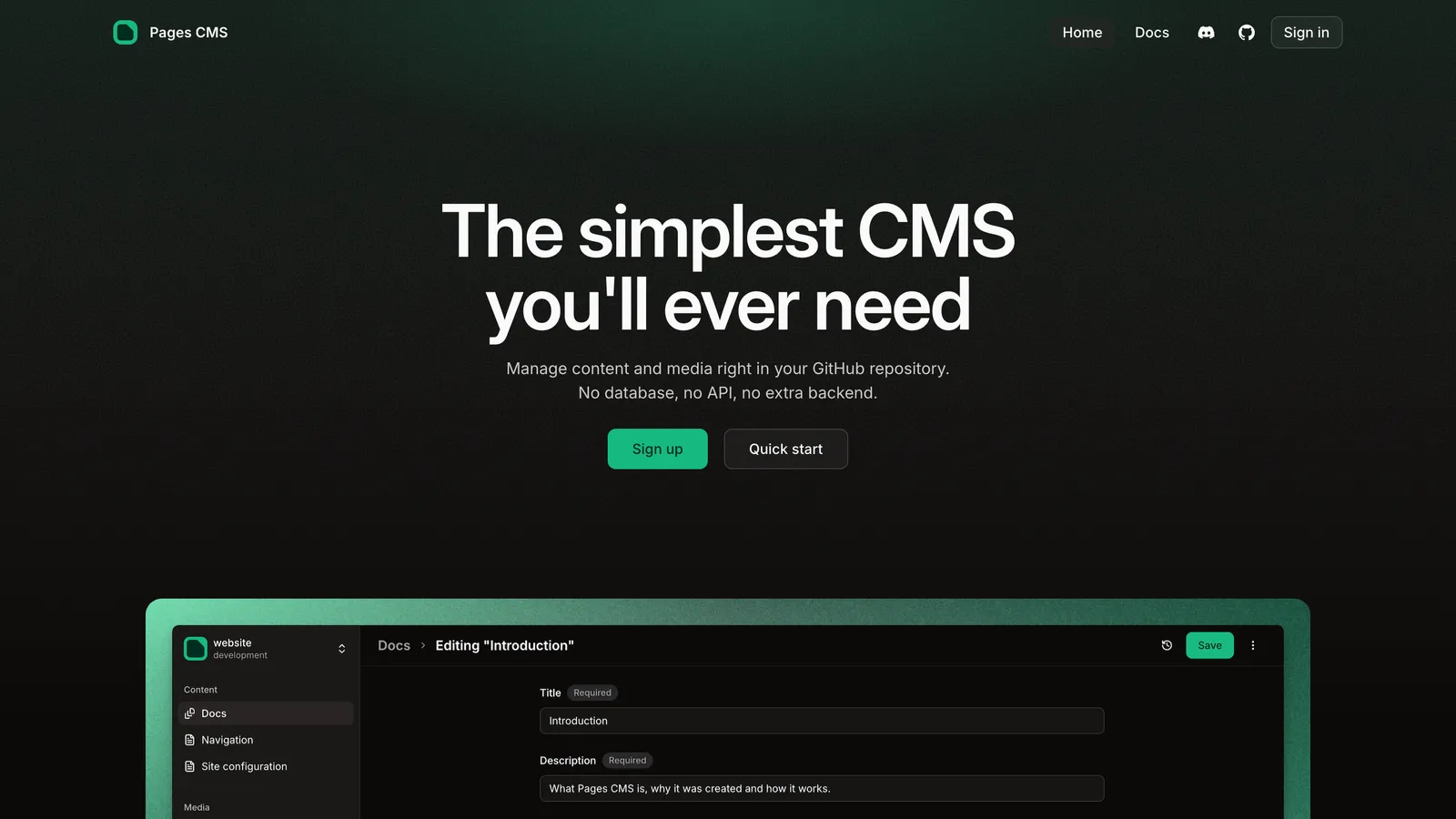
  6. Pages CMS homepage
    6.

    Pages CMS

    Git-based panel

    Best free option with hosting and sign-in handled

    Full profilepagescms.org

    Hosted and free, sign-in handled by email invite. GitHub only, and no review step.

    Price
    Free (MIT)
    Setup
    Config file, email invites
    Review
    No

    The catch: Config file still maintained per site

    • Free
    • Open source
    • Hosted
    • GitHub only
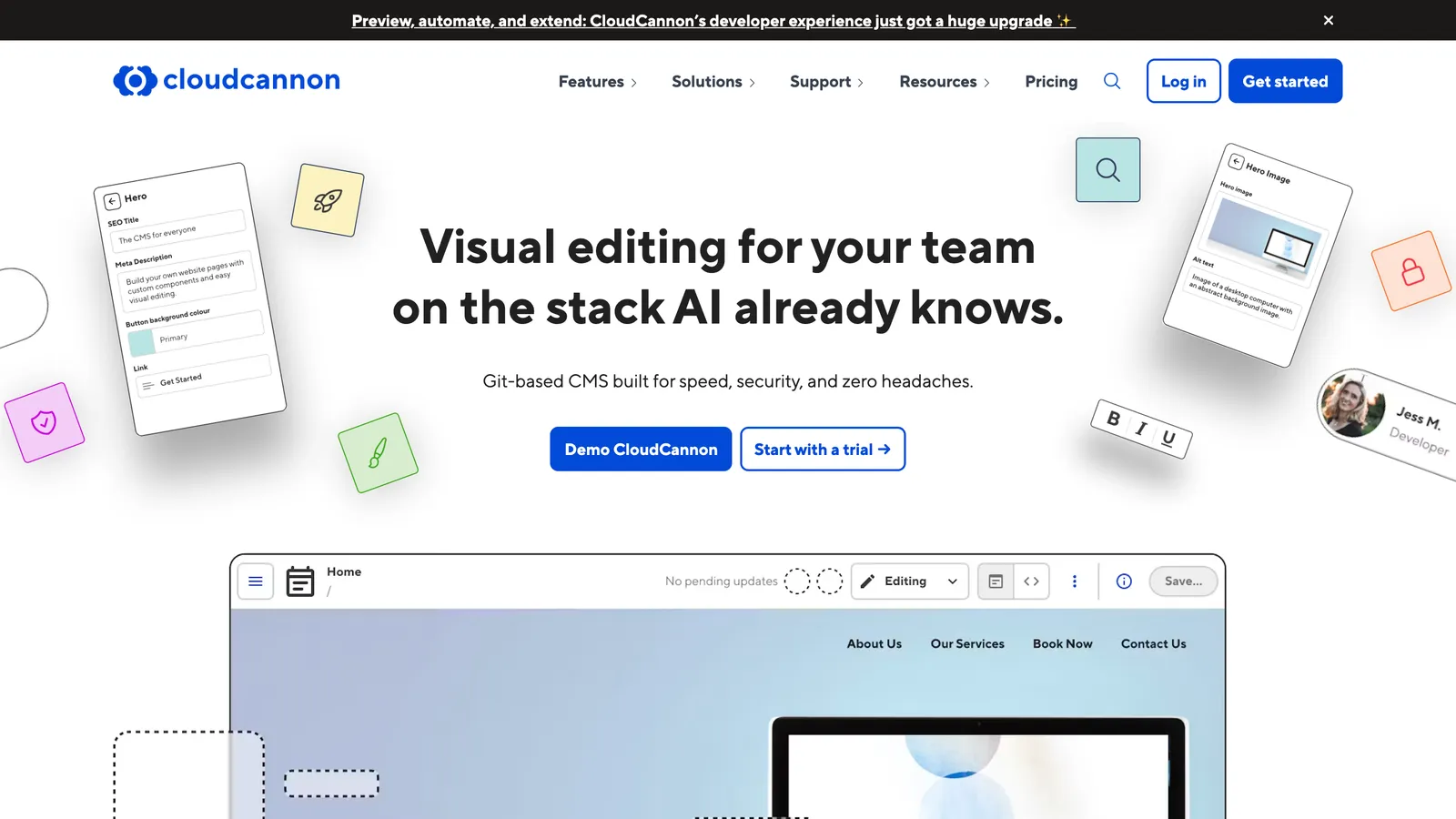
  7. CloudCannon homepage
    7.

    CloudCannon

    Visual editor

    Best hosted visual editing

    Full profilecloudcannon.com

    Real visual editing across frameworks, hosted. Per-seat pricing grows with every client editor you add.

    Price
    From $55/mo + $10/user
    Setup
    Editable regions per site
    Review
    On Team tier

    The catch: Per-user pricing grows with client editors

    • Visual editing
    • Hosted
    • Per-seat
    • GitHub, GitLab, Bitbucket
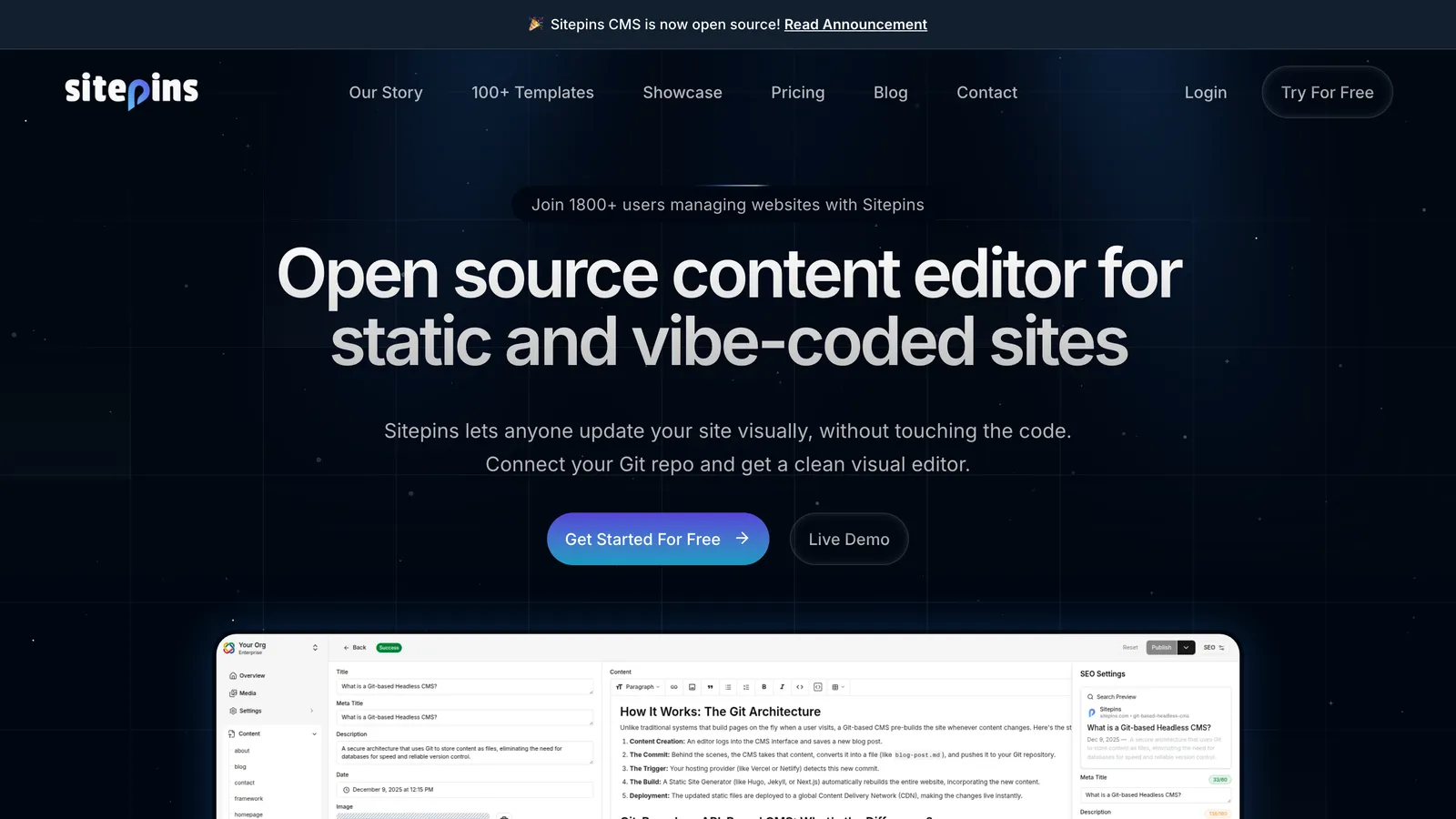
  8. Sitepins homepage
    8.

    Sitepins

    Git-based panel

    Best free hosted panel for agencies, GitLab on paid tiers

    Full profilesitepins.com

    Free hosted tier, cheap paid tiers, GitLab on Pro. A form-based panel that a rare editor must relearn.

    Price
    Free tier; $12 to $49/mo
    Setup
    Connect repo, fields auto-detected
    Review
    Branch + PR flow on Pro

    The catch: Form-based panel a rare editor must relearn

    • Free tier
    • Open source
    • Hosted
    • Agency orgs
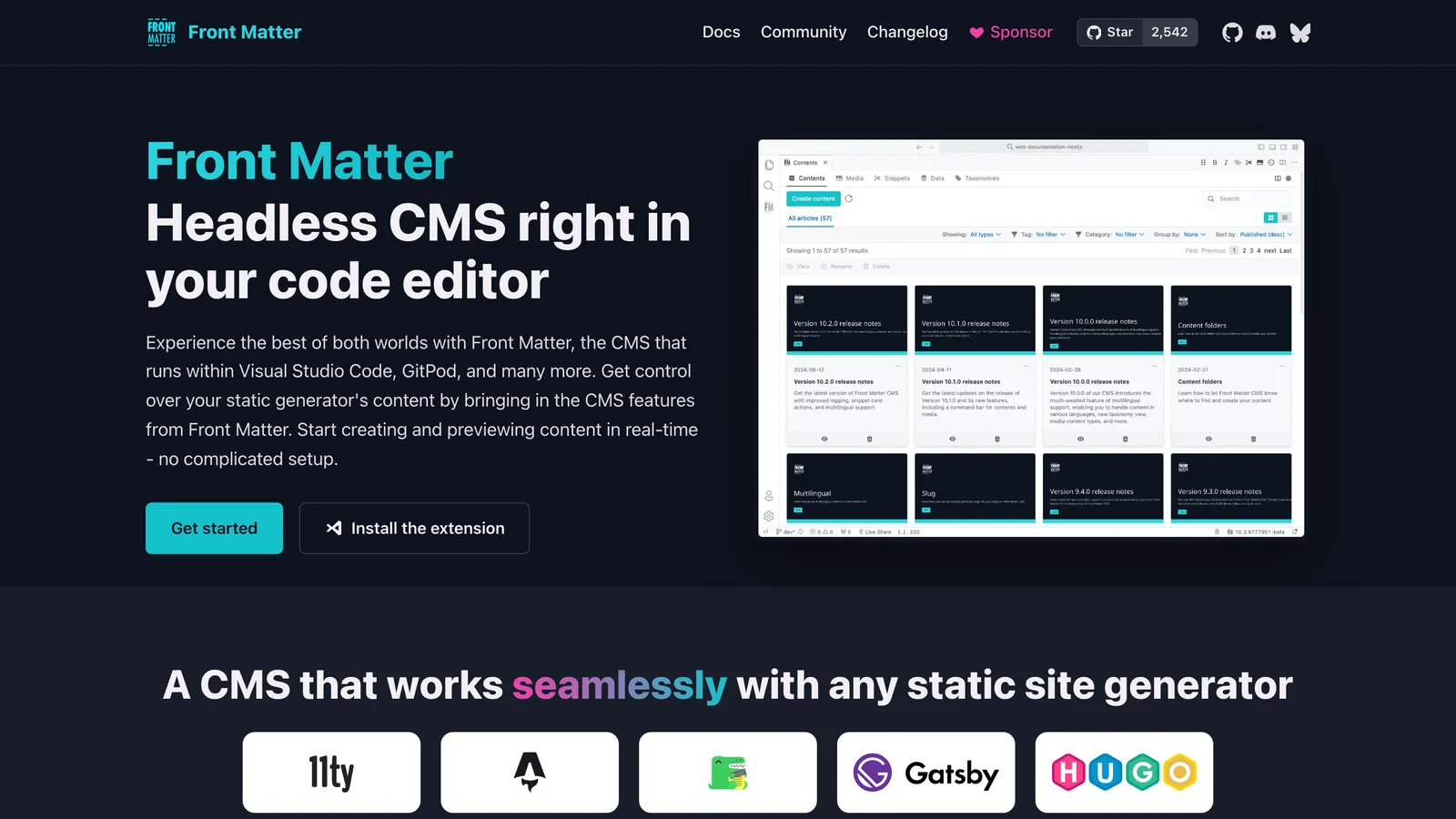
  9. Front Matter CMS homepage
    9.

    Front Matter CMS

    Developer tool

    Best for developers who edit content in VS Code

    Full profilefrontmatter.codes

    The whole CMS inside VS Code, free and MIT. Editors need VS Code and a clone of the repository.

    Price
    Free (MIT)
    Setup
    Local clone, frontmatter.json
    Review
    No

    The catch: Editors need VS Code and a clone of the repository

    • Free
    • Open source
    • VS Code
    • Local only
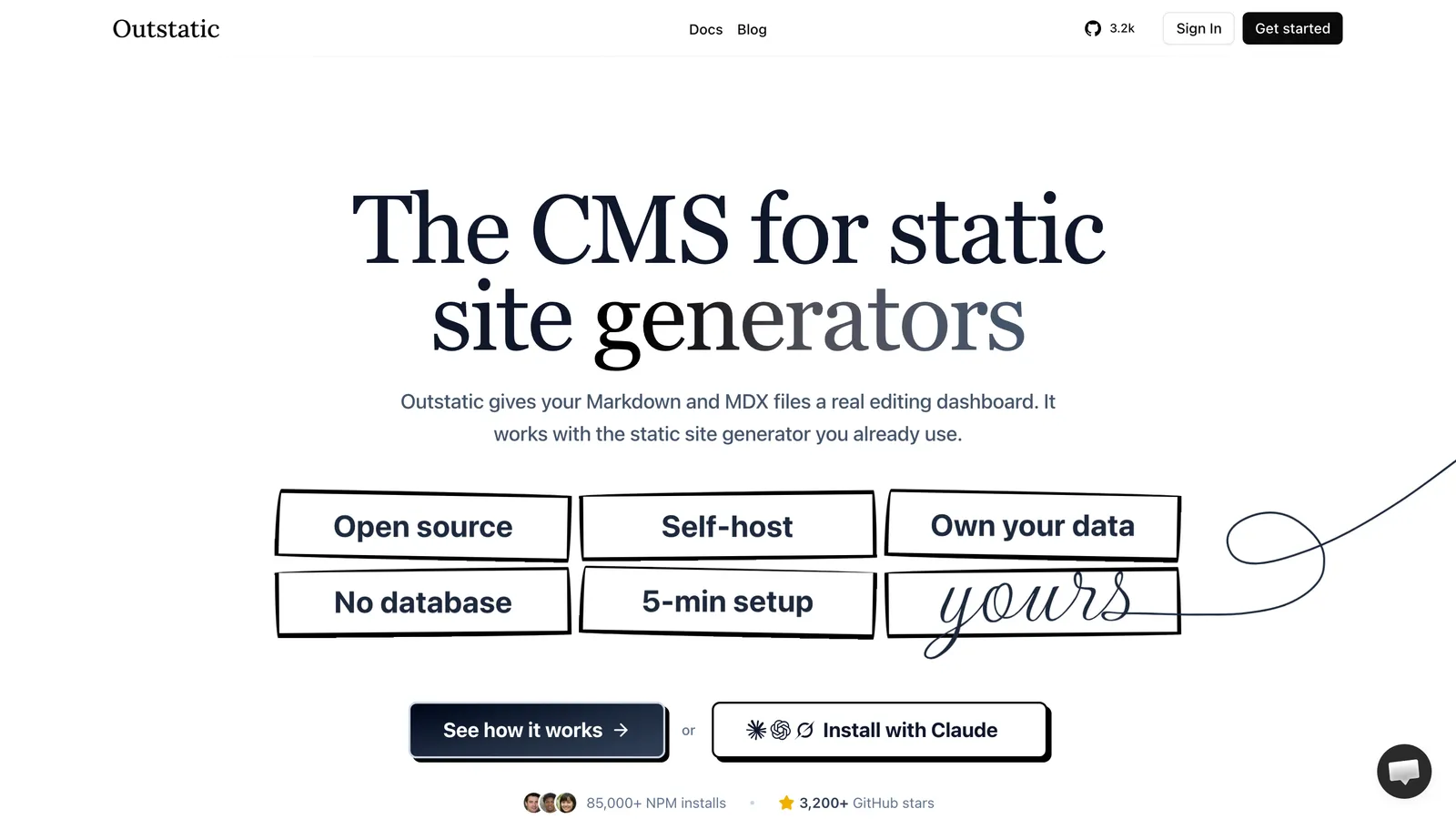
  10. Outstatic homepage
    10.

    Outstatic

    Git-based panel

    Best free dashboard for Markdown in a Next.js app

    Full profileoutstatic.com

    A free Markdown dashboard for Next.js apps. Self-hosted, it is Next.js and GitHub only.

    Price
    Free; PRO $9.99/user/mo
    Setup
    Next.js install or hosted dashboard
    Review
    Draft or published only

    The catch: Self-hosted install is Next.js only; GitHub only

    • Free self-hosted
    • Next.js
    • Markdown
    • Source-available
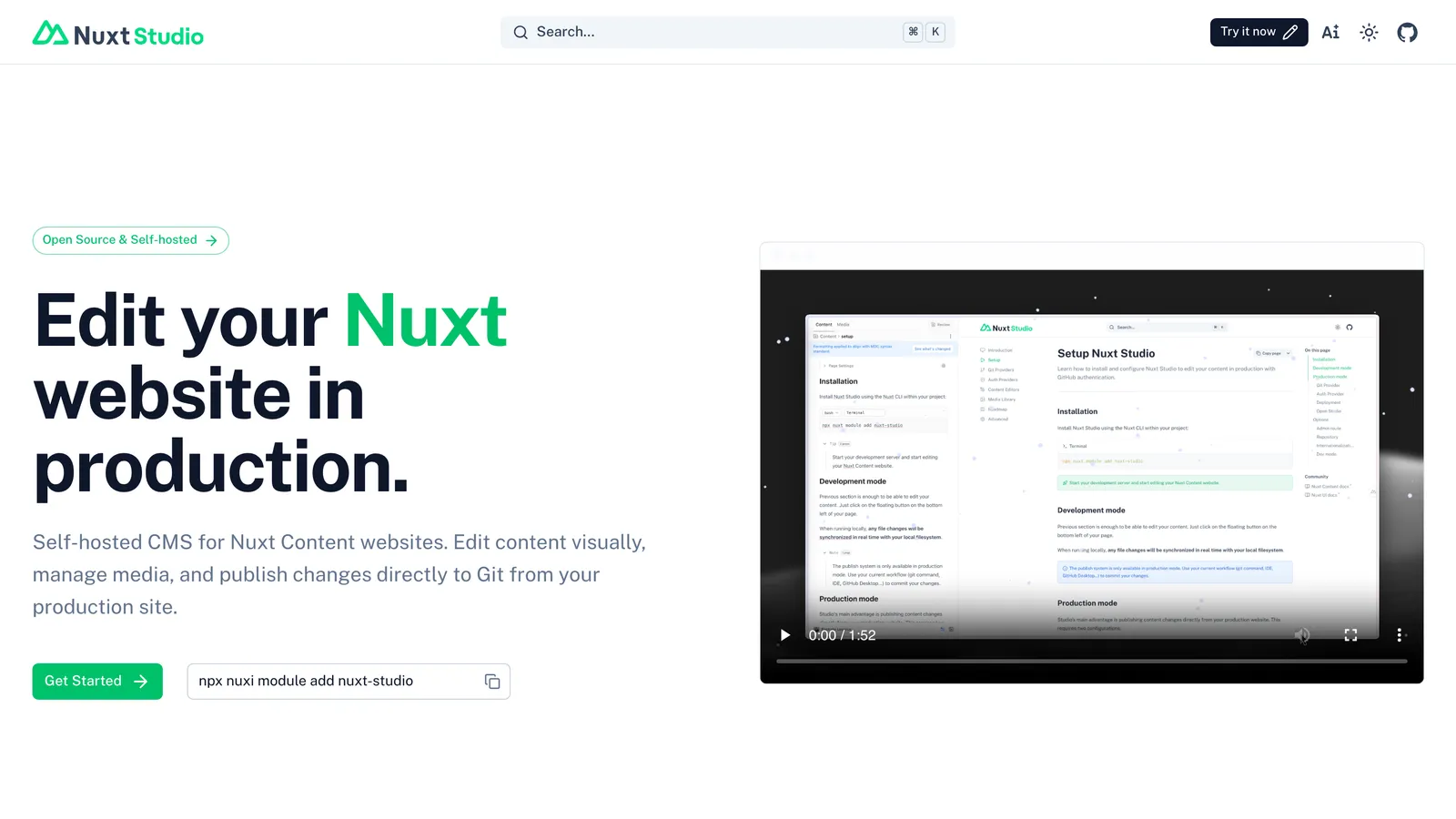
  11. Nuxt Studio homepage
    11.

    Nuxt Studio

    Visual editor

    Best free option if the site is Nuxt

    Full profilenuxt.studio

    Free and MIT, lives inside the Nuxt site. Nuxt Content only, and the site must run with SSR.

    Price
    Free (MIT)
    Setup
    Install module, connect repo
    Review
    No; PRs on the roadmap

    The catch: Nuxt with Nuxt Content only, SSR deployment required

    • Free
    • Open source
    • Nuxt only
    • GitHub, GitLab
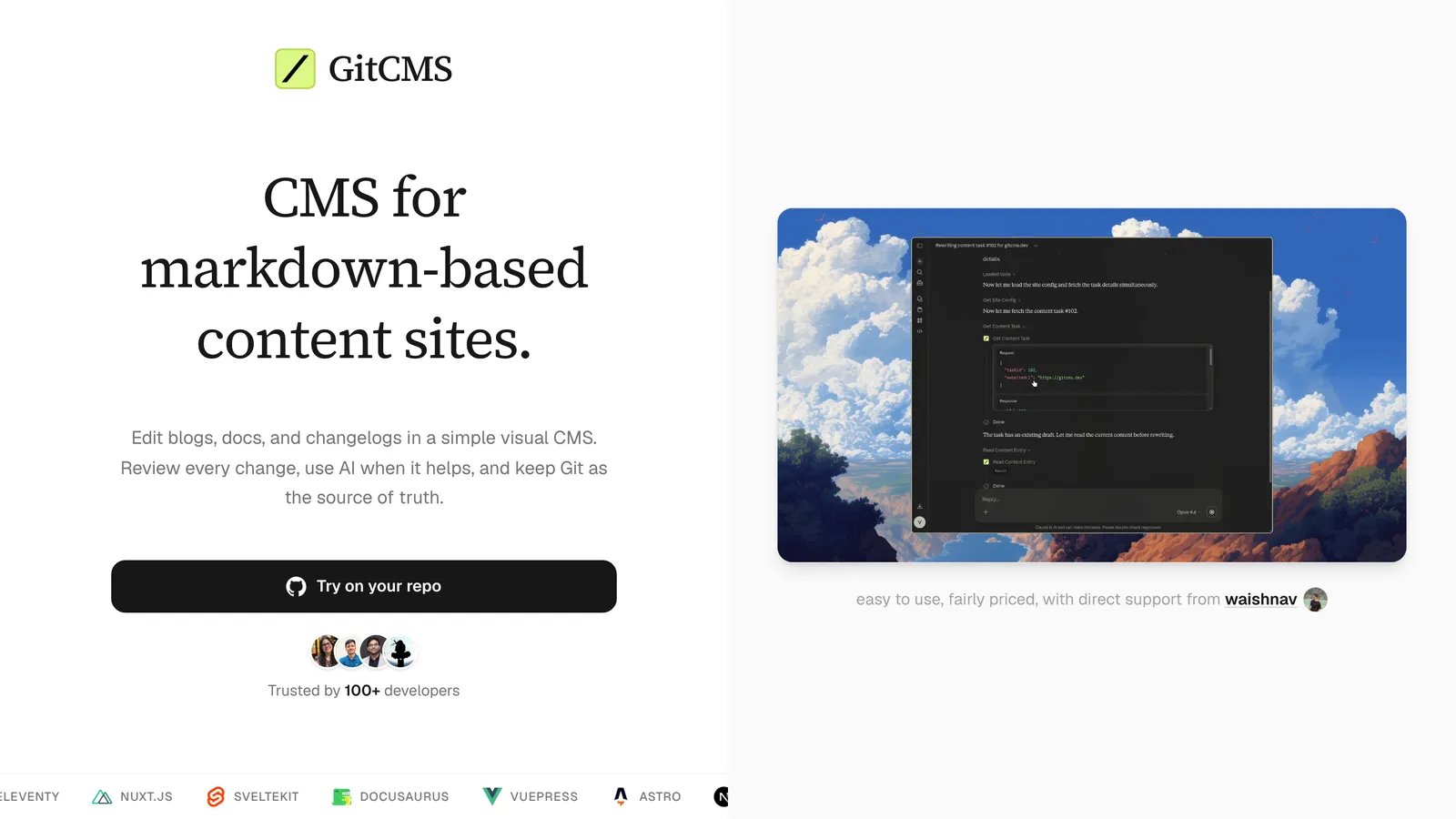
  12. GitCMS homepage
    12.

    GitCMS

    Git-based panel

    Best one-time price for a Markdown content layer

    Full profilegitcms.dev

    $49 one-time per site with a review workflow on by default. Markdown and MDX only, GitHub only.

    Price
    $49 one-time per site
    Setup
    GitHub App, collections
    Review
    Editorial workflow, on by default

    The catch: Markdown and MDX only; component copy is out of reach

    • One-time price
    • Markdown
    • Review workflow
    • GitHub only
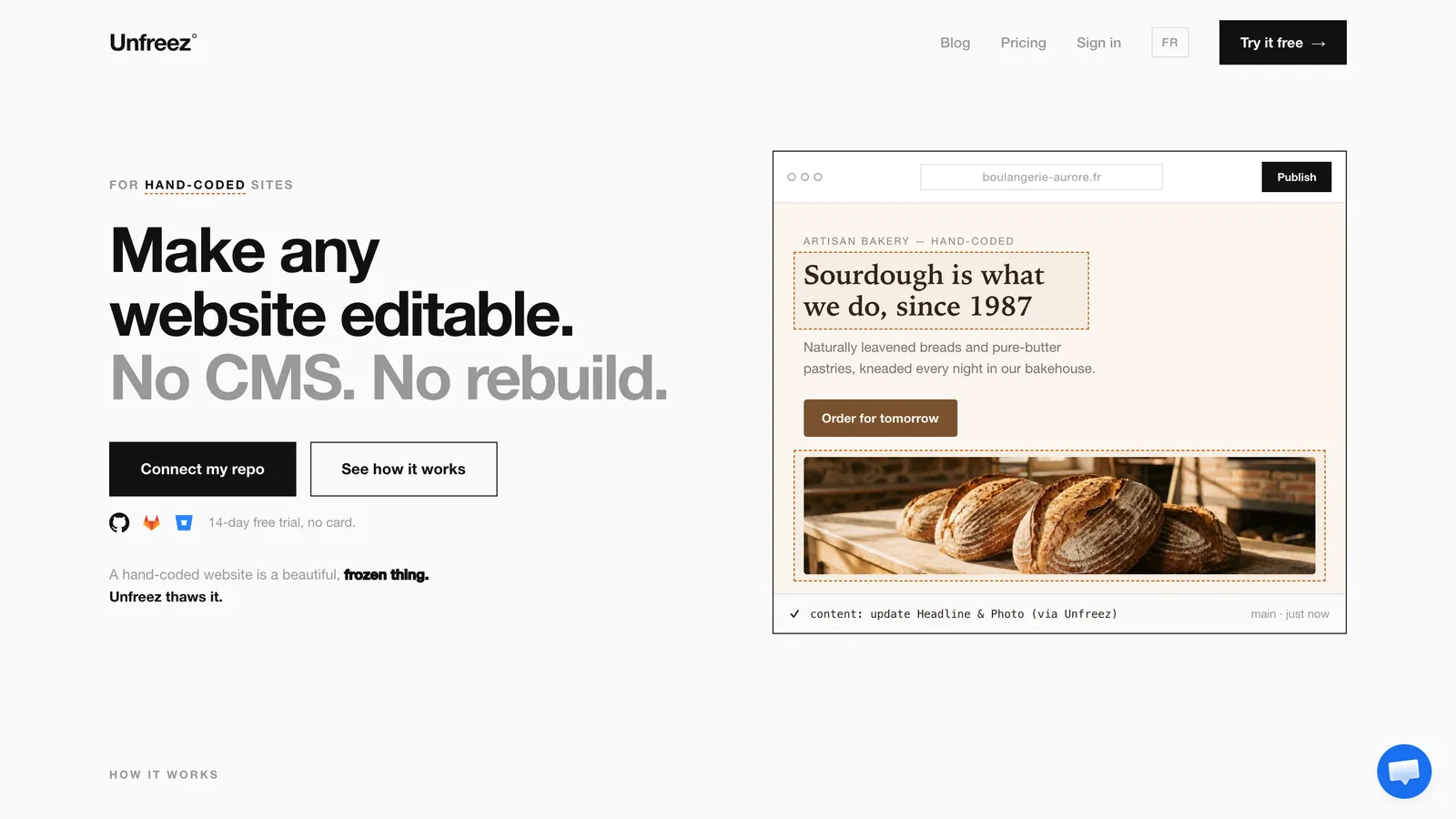
  13. Unfreez homepage
    13.

    Unfreez

    Visual editor

    Best client-billed click-to-edit layer for component copy

    Full profileunfreez.app

    Click-to-edit for component copy, billed to the client at €90 per site per year. Every field is unlocked by hand.

    Price
    €90 per site per year
    Setup
    Developer unlocks fields per site
    Review
    No; undo per publish

    The catch: Developer unlocks every editable value per site by hand

    • Click-to-edit
    • Client-billed
    • Component copy
    • GitHub only
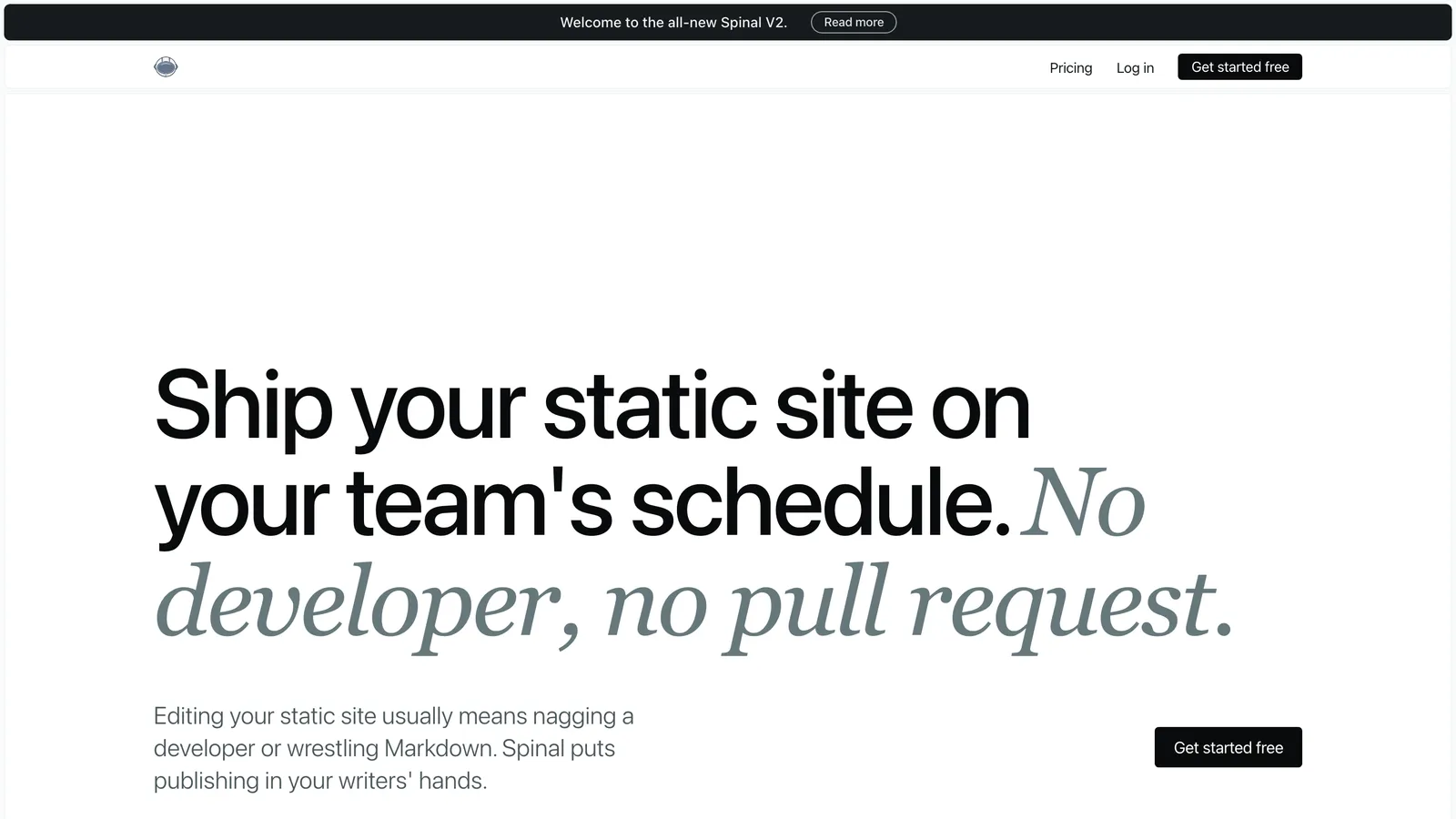
  14. Spinal homepage
    14.

    Spinal

    Git-based panel

    Best scheduled publishing for a Markdown marketing blog

    Full profilespinalcms.com

    Scheduling and a content calendar for a Markdown blog. $39/mo with a five-member minimum.

    Price
    $39/mo
    Setup
    Connect GitHub, pick folders
    Review
    Roles only, no approval

    The catch: $39/mo with a 5-member minimum, card required for the trial

    • Hosted
    • Markdown
    • Scheduling
    • EU-hosted
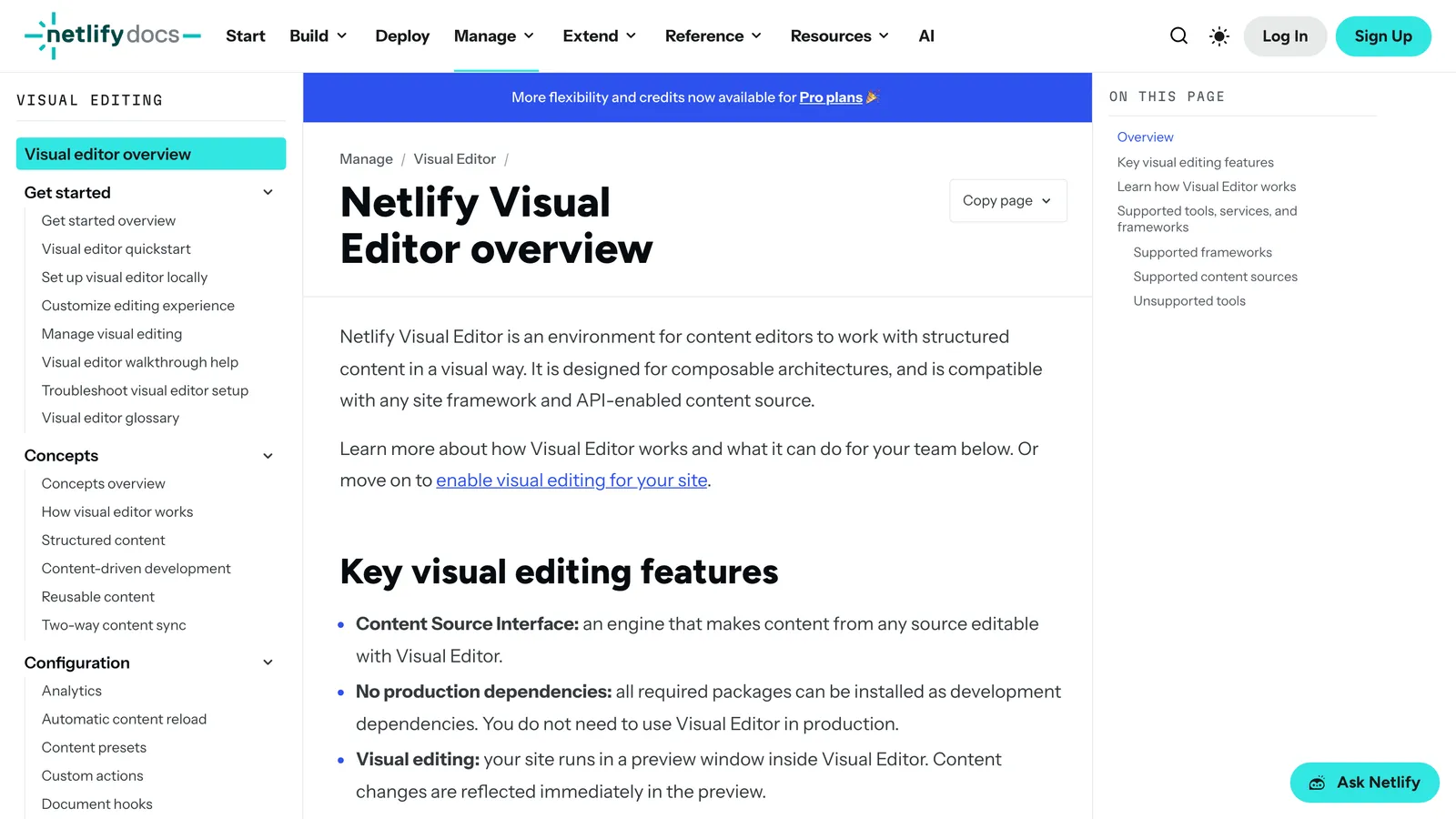
  15. Netlify Visual Editor homepage
    15.

    Netlify Visual Editor

    Visual editor

    Best if the team already lives in Netlify

    Full profiledocs.netlify.com

    A visual layer for teams already on Netlify. No marketing page; the product lives in the docs.

    Price
    Netlify Pro $20/mo
    Setup
    Netlify site + content source
    Review
    Builder and Publisher roles; PR mode

    The catch: No marketing page; the product lives in the docs

    • Visual editing
    • Netlify teams
    • Docs only
    • GitHub, Bitbucket
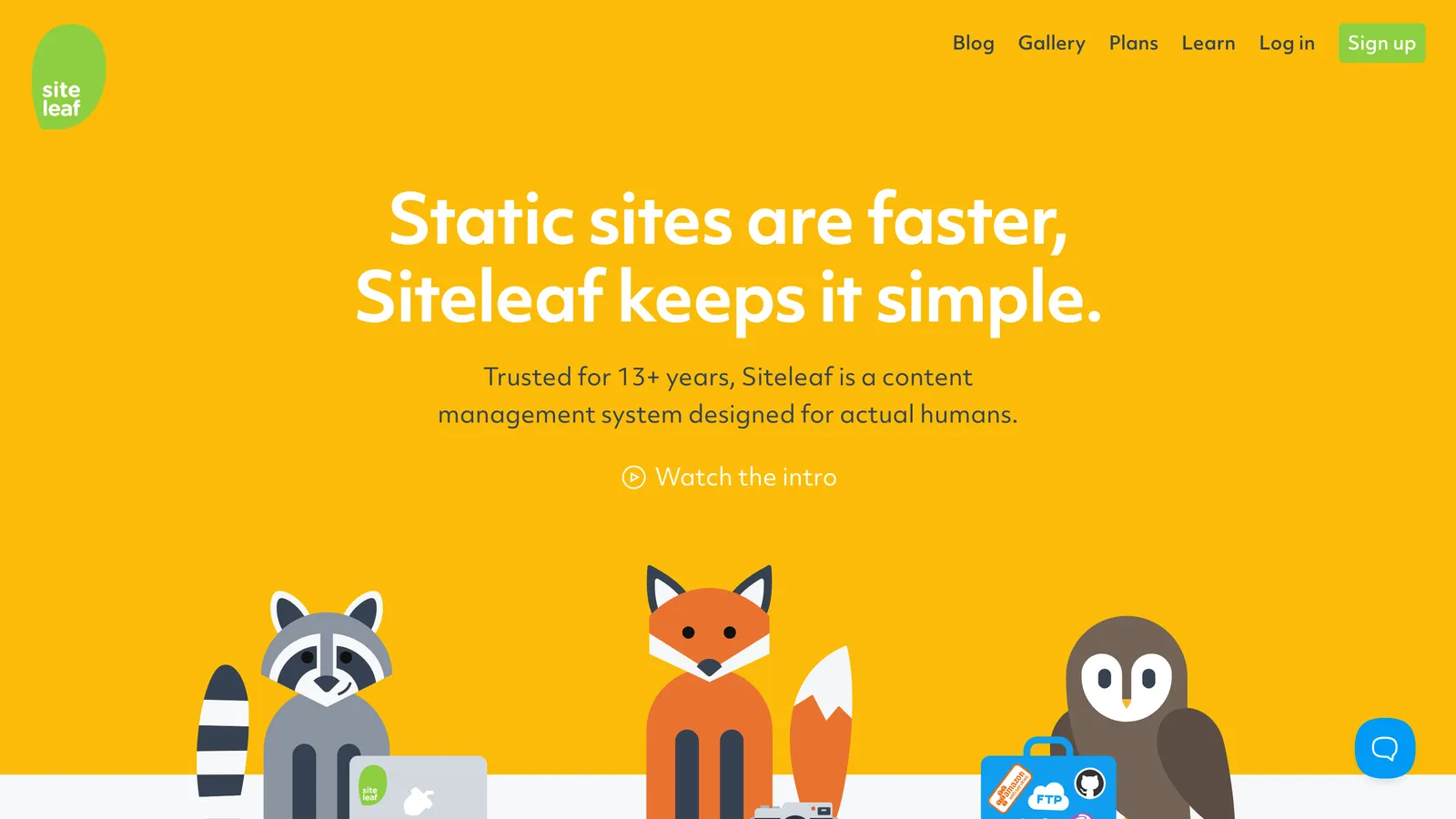
  16. Siteleaf homepage
    16.

    Siteleaf

    Git-based panel

    Best hosted panel if the site is Jekyll

    Full profilesiteleaf.com

    A hosted panel for Jekyll, still running. Jekyll only, and the prices are not published.

    Price
    Unpublished; per site
    Setup
    GitHub sync, Jekyll only
    Review
    Writer drafts on Team plan

    The catch: Jekyll only

    • Hosted
    • Jekyll only
    • GitHub sync
    • Prices unpublished

All 16 at a glance

#ToolModelSetupReviewPrice
1CMS BrewHosted, chat-basedConnect repo, automatic mappingIncluded, per-field guards$39/mo, 5 sites
2Decap CMSSelf-hosted panelconfig.yml + OAuthDrafts via editorial workflowFree
3TinaCMSIn-site visual editorTina schema per siteTeam Plus tier, $49/moOSS core; cloud from $29/mo
4KeystaticSelf-hosted admin UIkeystatic.config per siteNoFree; Cloud from $10/mo
5Sveltia CMSSelf-hosted panelDecap-style config + OAuthPR drafts on GitHub/GitLabFree (MIT)
6Pages CMSHosted or self-hosted panelConfig file, email invitesNoFree (MIT)
7CloudCannonHosted, visual editingEditable regions per siteOn Team tierFrom $55/mo + $10/user
8SitepinsHosted or self-hosted panelConnect repo, fields auto-detectedBranch + PR flow on ProFree tier; $12 to $49/mo
9Front Matter CMSVS Code extensionLocal clone, frontmatter.jsonNoFree (MIT)
10OutstaticPanel in a Next.js app, or hostedNext.js install or hosted dashboardDraft or published onlyFree; PRO $9.99/user/mo
11Nuxt StudioEditor module inside a Nuxt siteInstall module, connect repoNo; PRs on the roadmapFree (MIT)
12GitCMSHosted Markdown editorGitHub App, collectionsEditorial workflow, on by default$49 one-time per site
13UnfreezHosted, click-to-editDeveloper unlocks fields per siteNo; undo per publish€90 per site per year
14SpinalHosted Markdown CMSConnect GitHub, pick foldersRoles only, no approval$39/mo
15Netlify Visual EditorHosted visual layerNetlify site + content sourceBuilder and Publisher roles; PR modeNetlify Pro $20/mo
16SiteleafHosted panel for JekyllGitHub sync, Jekyll onlyWriter drafts on Team planUnpublished; per site
Andrew Chemerynskiy

Made by Andrew Chemerynskiy

I am a software developer with 10+ years of experience and an entrepreneur.

I check every tool on this list against its live site and update the facts on the date shown.

Picking a Git-based CMS? Need a second opinion? Say hi.